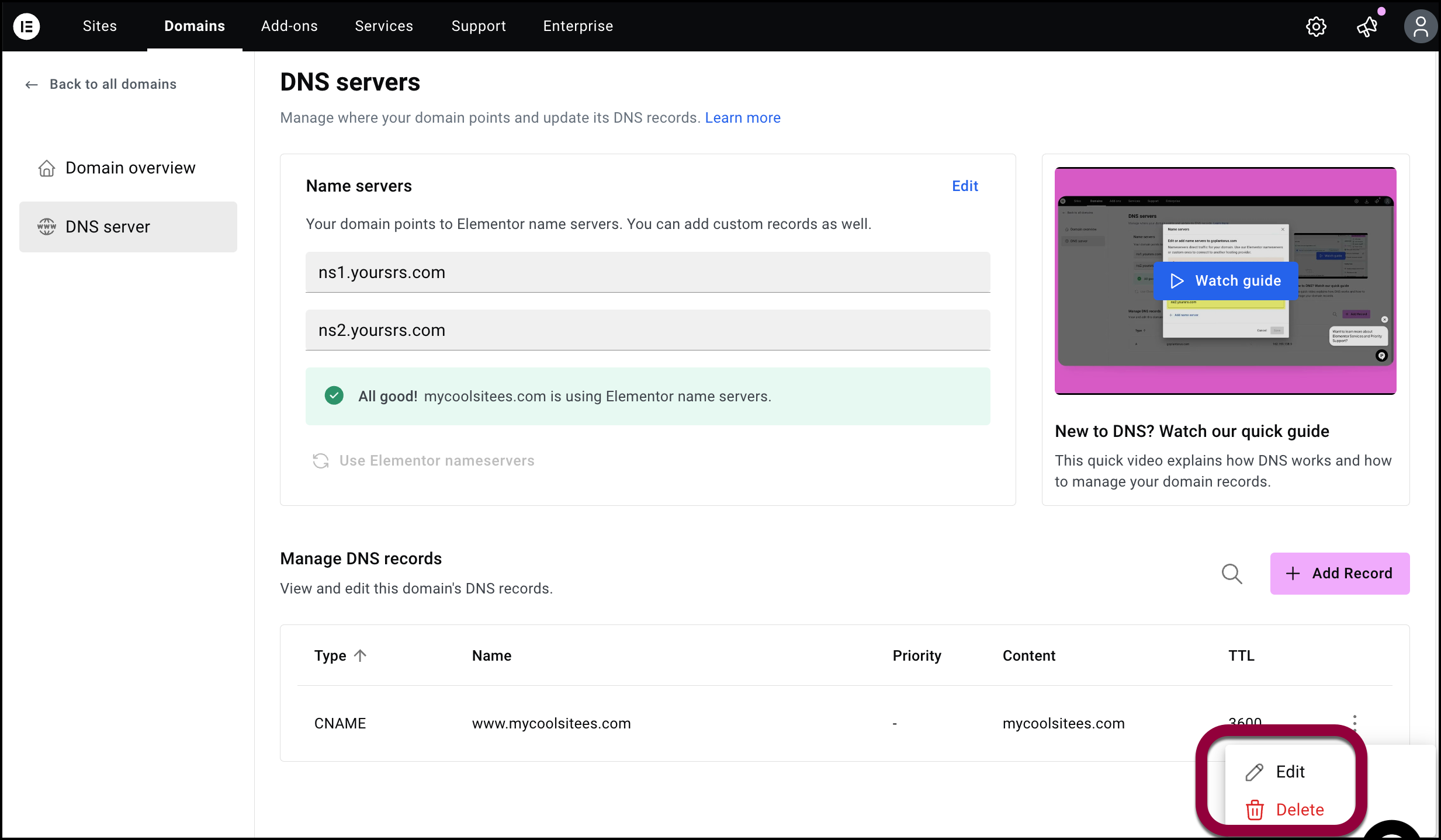
For any number of reasons you may need to add, delete or edit DNS records. For instance, you may need to add an MX DNS to handle emails.
Access you DNS records
To access your DNS records:
- Go to your My Elementor dashboard.
- In the top bar, click Domains.
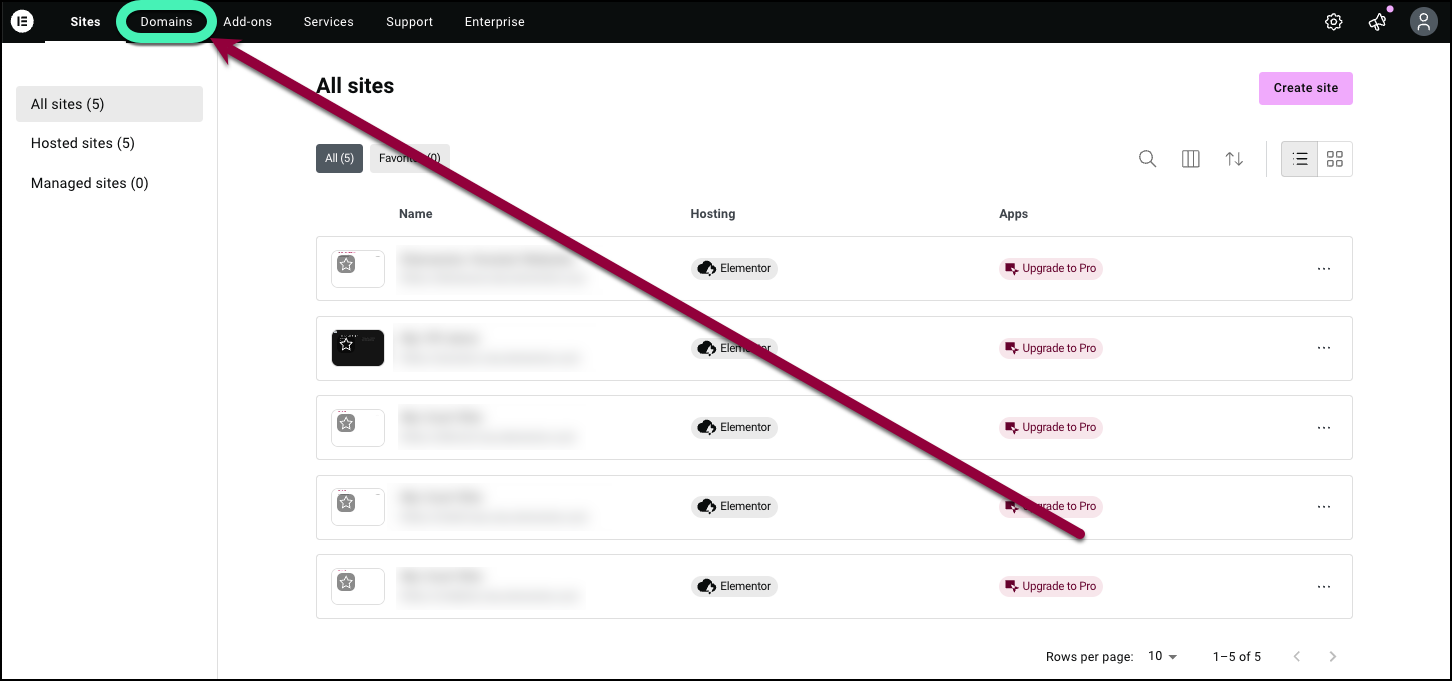
A list of your domains appears.
- Click the domain name associated with the DNS records you want to access.
- The Domain overview screen appears.

Note
You can also access the DNS records by:
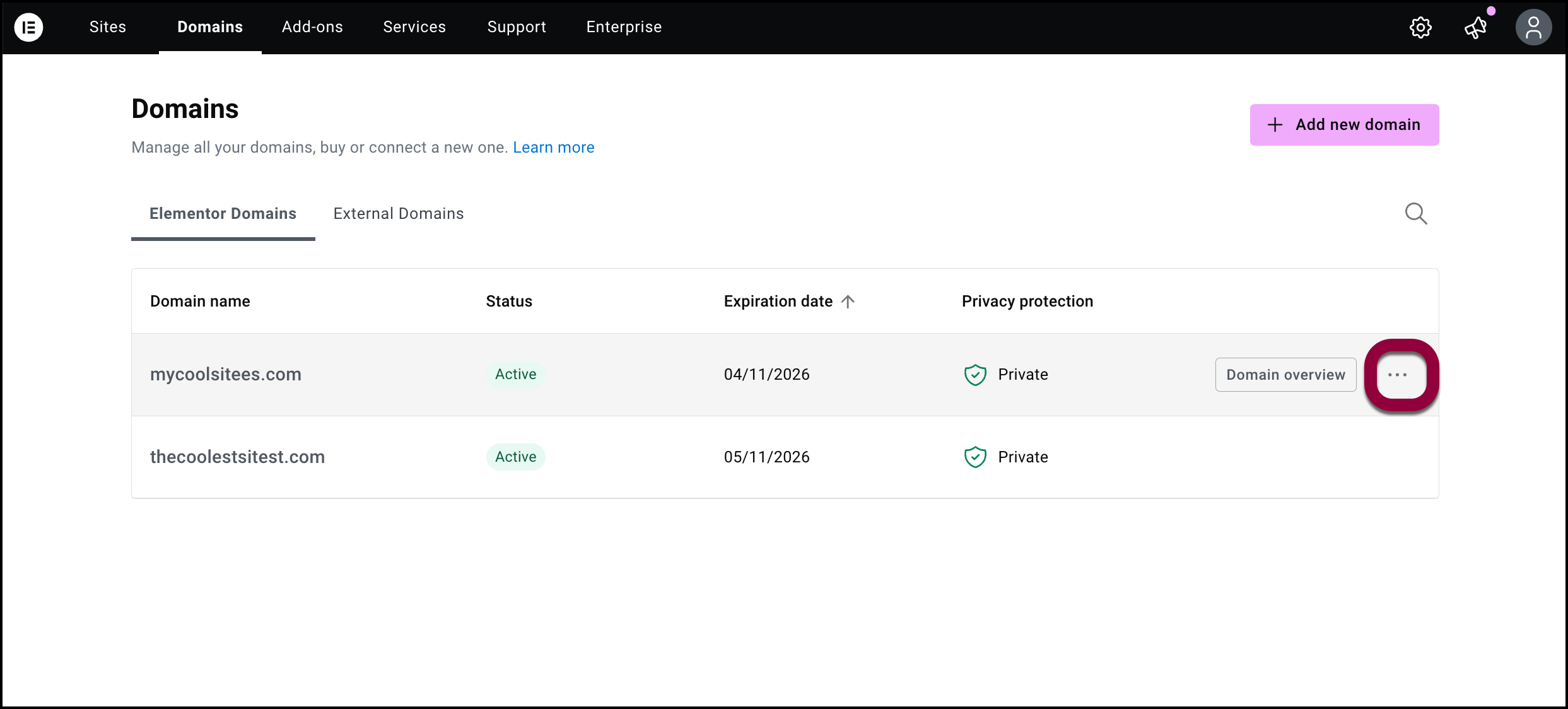
- Hovering over the domain name you want to access the DNS records for.
- Click the ellipses next to the domain name.
- Select DNS servers from the dropdown menu.
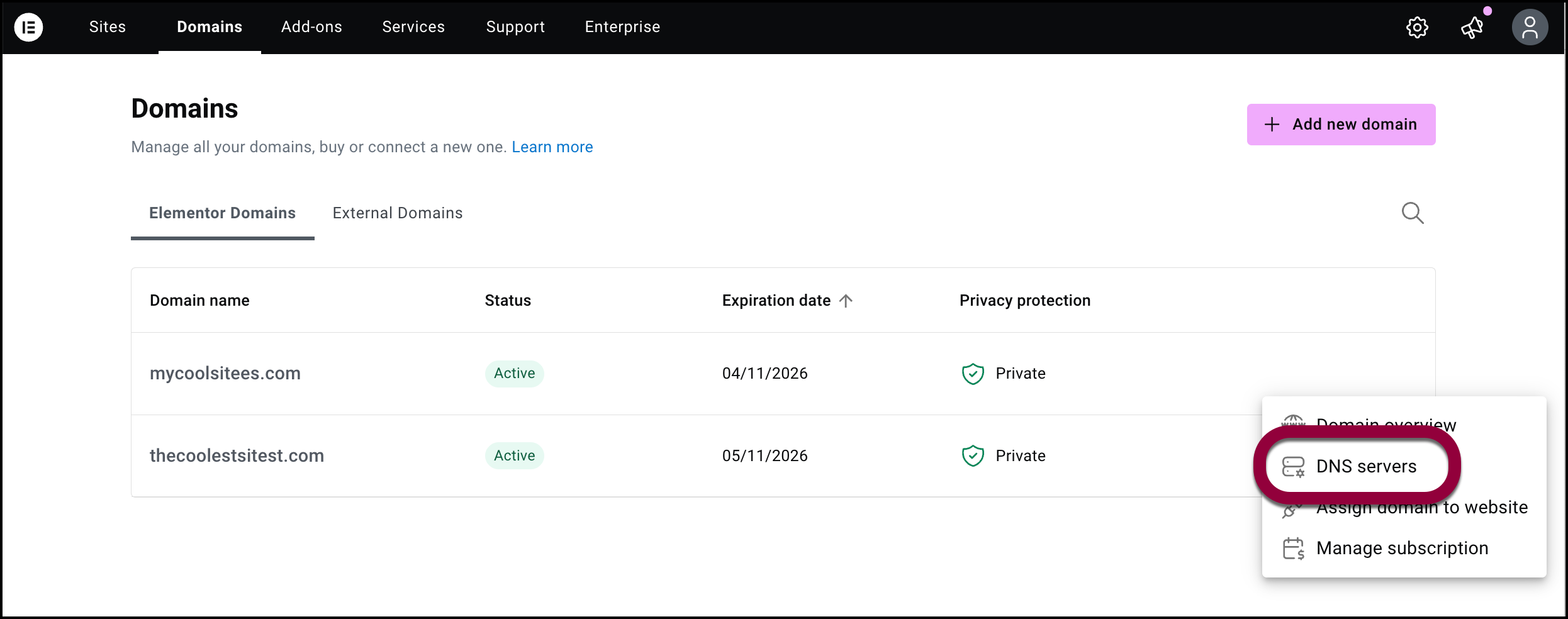
This takes you directly to the DNS servers screen.