8.3 Run Coding Agents with Local LLMs
Harbor Launch lets installed coding and agent CLIs use the same local inference stack that powers Harbor's web frontends. Use it when you want a local LLM for Codex, a local LLM for Claude Code, a local LLM for OpenCode, or other coding agents local models without hand-editing each tool's provider configuration.
This guide focuses on host tools that run in your current project directory while Harbor supplies the OpenAI-compatible local backend, model selection, and optional tool routing.
harbor launch is a bridge between Harbor backends and host-side coding tools. It can:
- Start or detect a Harbor backend that exposes an OpenAI-compatible API.
- Select a model from the backend, or use the model you pass explicitly.
- Set the environment variables or temporary adapter configuration expected by the target tool.
- Run the tool from the directory where you invoked
harbor launch, so the agent sees your current project instead of Harbor's checkout.
Supported host tools are listed in the CLI reference and include claude, codex, copilot, droid, hermes, mi, openclaw, opencode, pi, pool, and vscode.
For repeatable local agent sessions, pass both --backend and --model before the tool name:
harbor launch --backend ollama --model qwen3.5:4b codexThe launch options belong before the host tool. Anything after the tool name is passed through unchanged:
harbor launch --backend ollama --model qwen3.5:4b codex --sandbox workspace-writeIf the selected backend is not running, Harbor starts it before launching the tool. If no backend is specified, Harbor looks for a running reachable OpenAI-compatible backend and starts llamacpp if none is available.
Harbor Launch supports backends such as Ollama, llama.cpp, vLLM, TabbyAPI, mistral.rs, SGLang, LMDeploy, Aphrodite, KTransformers, and Unsloth Studio. The exact model string depends on the backend and the model you have pulled or configured.
Use Codex when you want a host-side coding agent pointed at a Harbor OpenAI-compatible local backend:
harbor launch --backend ollama --model qwen3.5:4b codexHarbor passes Codex a harbor_launch model provider, sets the selected backend /v1 base URL, and provides the API key through OPENAI_API_KEY.
Codex can also be launched through Harbor Boost web tools:
 Harbor Boost provides web search and URL reading tools that can be injected into launched coding agents.
harbor launch --web --backend ollama --model qwen3.5:4b codex--web starts Boost with web_search and read_url, starts SearXNG for local web search, and routes the launched tool to a generated Boost workflow model. Use it when the host tool should ask the local stack to search or read URLs during a coding task.
The CLI reference notes one compatibility edge: Codex currently uses the Responses API tool schema, and llama.cpp-family backends may reject some tool payloads. For live llama.cpp smoke checks, use OpenCode with llama.cpp or use Codex with a backend that accepts Codex's tool schema.
Claude Code uses Anthropic-style environment variables rather than the same OpenAI Chat Completions path as Codex. Harbor Launch handles that adapter setup:
harbor launch --backend ollama --model qwen3.5:4b claude -p "explain this repo"For Ollama, Harbor sets the Anthropic base URL to the selected backend URL and uses the Ollama auth token convention documented in the launcher. For other supported launch backends, Harbor supplies the selected backend URL and API key through Claude's environment variables.
Do not use --web with Claude Code through Harbor Launch. The launcher rejects that combination because Claude Code uses the Anthropic Messages API, while the generated Boost web workflow is exposed through OpenAI Chat Completions. Use an OpenAI-compatible host tool such as Codex, OpenCode, Copilot, Droid, OpenClaw, Pi, Pool, or Hermes when you need the --web path.
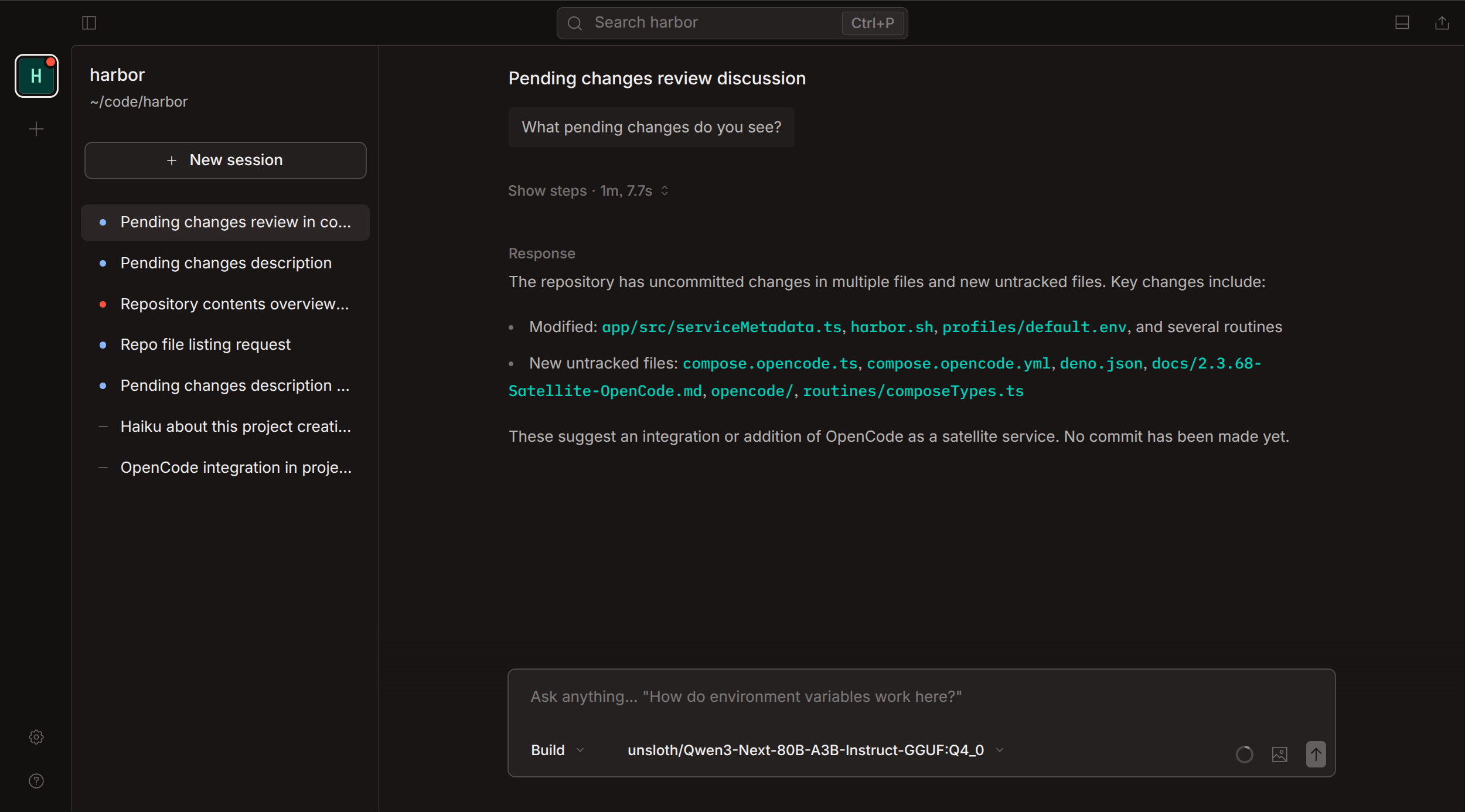 OpenCode running as a Harbor service with local backend integration.
OpenCode can run as a Harbor service, but Harbor Launch also supports the installed host opencode CLI. This is useful when you want OpenCode to run directly in the current project directory while Harbor supplies the provider:
harbor launch --backend llamacpp --model Qwen3.5-4B opencodeHarbor generates OpenCode provider configuration using the @ai-sdk/openai-compatible adapter, points it at the selected Harbor backend, and launches OpenCode with a harbor-<backend>/<model> model string.
You can inspect or generate the adapter configuration without starting the host tool:
harbor launch --config opencodeIf you want the containerized OpenCode service instead of the host adapter, use --service:
harbor launch --service opencode --helpSee the OpenCode service guide for the server API, persistent storage, workspace mounts, and container-side backend auto-discovery.
Harbor Launch is most useful when:
- You already have Harbor models running and want a coding agent to use the same local backend.
- You want explicit backend/model selection instead of each tool's separate provider setup.
- You want the coding agent to run in the current project directory.
- You want OpenAI-compatible local backend routing for multiple tools from one CLI.
- You want to test several host tools against the same Harbor model without changing each tool's global config.
For the underlying local AI setup, start with Local LLM Stack with Docker Compose. For web search in Harbor's browser UI, see Ollama + Open WebUI + SearXNG Local Web RAG Setup.
Return to Harbor Guides for the full guide index.