
n8n hosting
Self-Host n8n Without Managing  Servers
Self host n8n with xCloud in a few clicks. Build smart automations with 500+ app integrations, pre-built workflows, and AI nodes without coding.
Get started- One-click n8n deployment, no terminal
- Unlimited workflows, never priced per task
- Free SSL, automated backups and monitoring


Deployment
From Catalogue To First Workflow In Four Steps
This is the actual flow in the dashboard, not a simplified version of it. NGINX is the recommended web server for n8n, and the app wants at least 4 GB of RAM and 2 CPU cores.
Pick n8n
From your dashboard choose New Site, select your server, then open One Click Apps and pick n8n from the catalogue.

Name the site
Add a site title and tags, then choose Go Live for production or Demo Site to try first. Promoting a demo is one-way.
Set the domain
A demo gets a temporary subdomain; a live site takes your own. Set the timezone your scheduled workflows should follow.
Register and build
Open the site, create the owner account n8n asks for, and build your first workflow. SSL is issued once DNS resolves.
Advanced features
Managed n8n Hosting with Advanced Features at Your Fingertips
The parts of running n8n that live outside n8n itself, handled from the same dashboard.
Set the Timezone
Set your n8n timezone to align with your n8n application. Automate tasks based on local times to ensure global accuracy and efficiency.
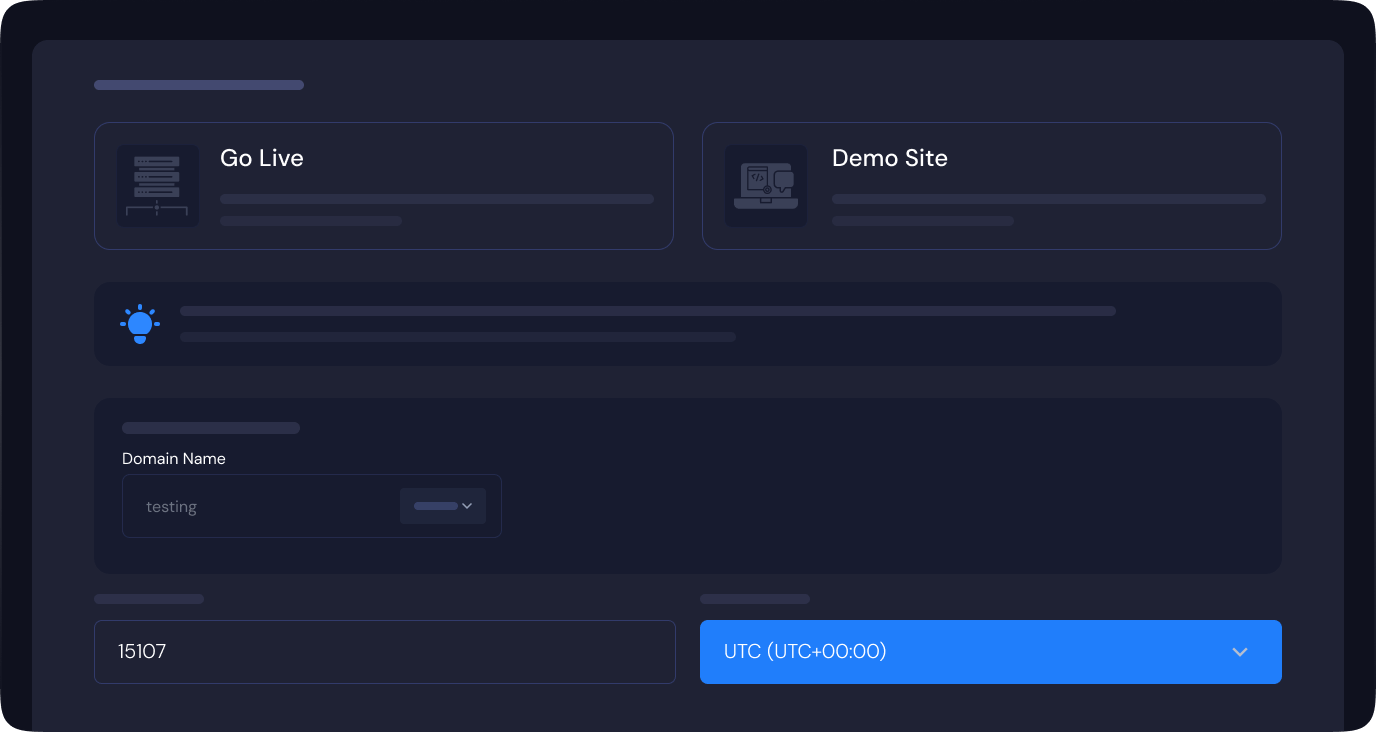
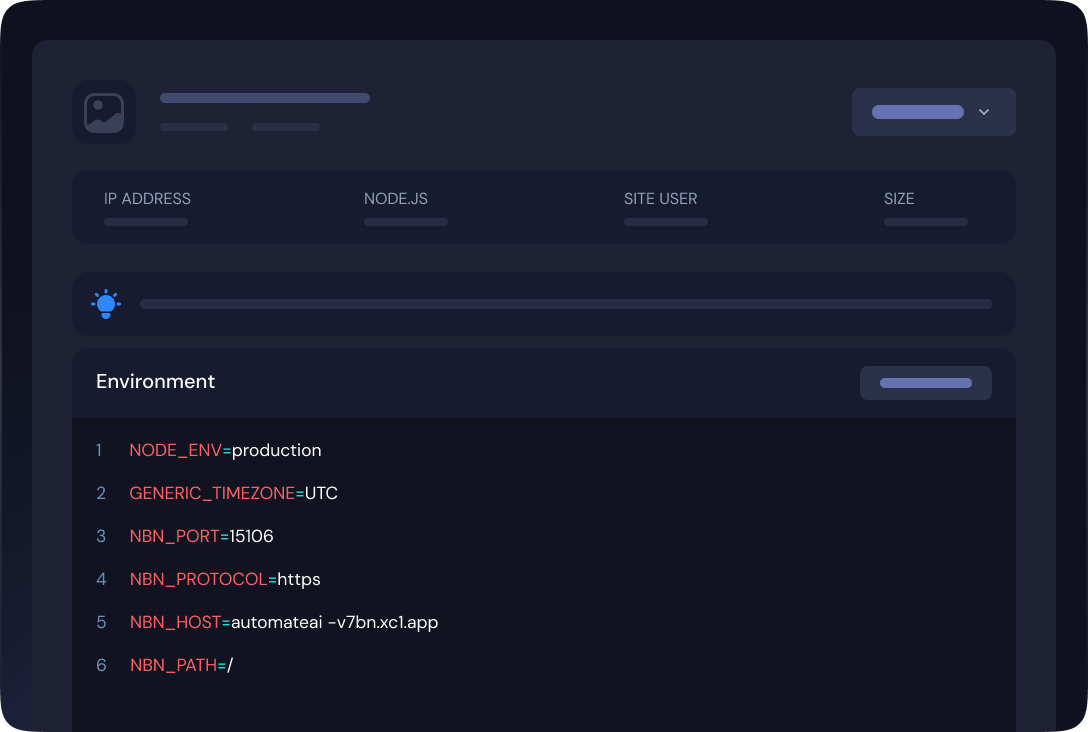
Tailor the Environment
Customize the n8n environment directly from the xCloud dashboard to align perfectly with your needs.
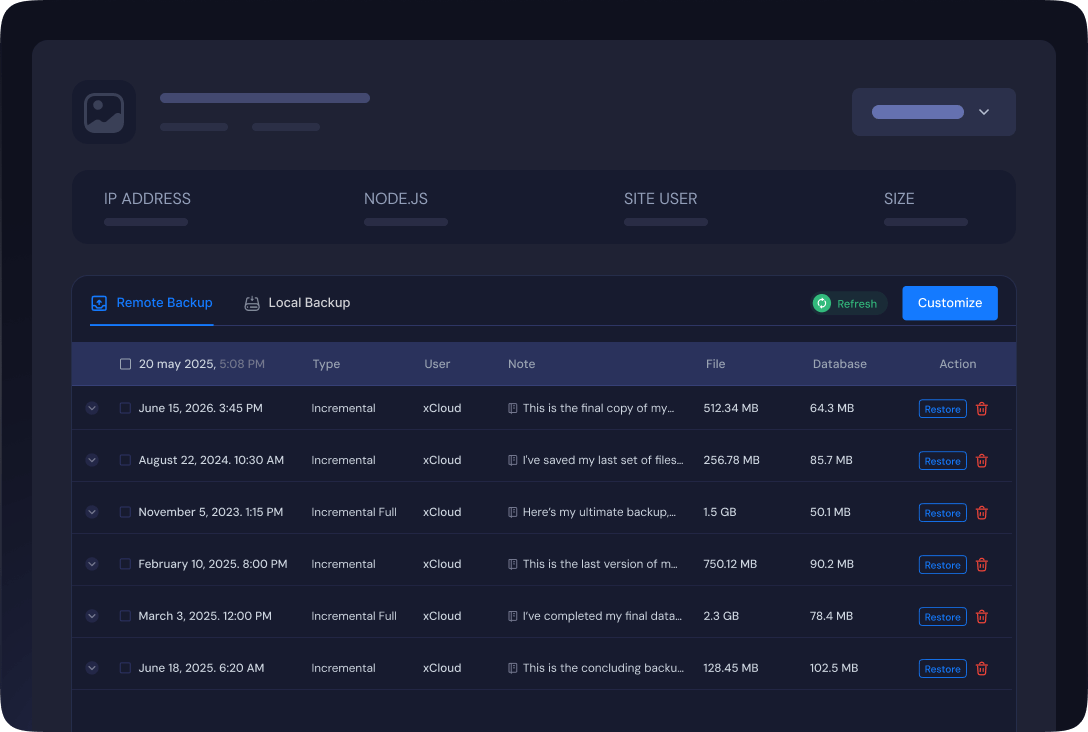
Automated Backups
Automatically back up using local or remote backup with the n8n application to ensure instant restoration if any issues arise.
Custom & Test Domains
Start on a free demo subdomain, then attach your own domain, plus any additional domains you need.

Pricing
Run n8n On A Server We Manage
Launch a managed server in 30+ locations and we handle the operating system, security patching, backups and monitoring. n8n wants at least 4 GB of RAM and 2 CPU cores, and you can host as many sites on the server as it has room for.
Newcomer
$5.00per month
- 1 GB Ram
- 25 GB SSD
- 1 vCPU
- 1 TB Bandwidth
- Unlimited Sites
Lite
Premium$7.50per month
- 1 GB Ram
- 32 GB NVMe SSD
- 1 vCPU
- 1 TB Bandwidth
- Unlimited Sites
Basic
$12.00per month
- 2 GB Ram
- 55 GB SSD
- 1 vCPU
- 2 TB Bandwidth
- Unlimited Sites
Personal
Premium$20.00per month
- 2 GB Ram
- 80 GB NVMe SSD
- 2 vCPU
- 3 TB Bandwidth
- Unlimited Sites
Standard
$24.00per month
- 4 GB Ram
- 80 GB SSD
- 2 vCPU
- 3 TB Bandwidth
- Unlimited Sites
Growing
Premium$30.00per month
- 4 GB Ram
- 128 GB NVMe SSD
- 2 vCPU
- 3 TB Bandwidth
- Unlimited Sites
Professional
$45.00per month
- 8 GB Ram
- 160 GB SSD
- 4 vCPU
- 4 TB Bandwidth
- Unlimited Sites
Elite
Premium$50.00per month
- 8 GB Ram
- 256 GB NVMe SSD
- 3 vCPU
- 4 TB Bandwidth
- Unlimited Sites
Business
$88.00per month
- 16 GB Ram
- 320 GB SSD
- 6 vCPU
- 5 TB Bandwidth
- Unlimited Sites
Titanium
Premium$100.00per month
- 16 GB Ram
- 384 GB NVMe SSD
- 4 vCPU
- 5 TB Bandwidth
- Unlimited Sites
Business Plus
$196.00per month
- 32 GB Ram
- 640 GB SSD
- 8 vCPU
- 6 TB Bandwidth
- Unlimited Sites
Ultimate
Premium$200.00per month
- 32 GB Ram
- 512 GB NVMe SSD
- 8 vCPU
- 7 TB Bandwidth
- Unlimited Sites
Ultimate PLUS
Premium$310.00per month
- 48 GB Ram
- 768 GB NVMe SSD
- 12 vCPU
- 8 TB Bandwidth
- Unlimited Sites
Quantum
Premium$395.00per month
- 58 GB Ram
- 1024 GB NVMe SSD
- 16 vCPU
- 9 TB Bandwidth
- Unlimited Sites
Business Max
$399.00per month
- 64 GB Ram
- 1280 GB SSD
- 16 vCPU
- 10 TB Bandwidth
- Unlimited Sites
Every plan above includes the server. Provisioning, OS and stack patching, daily backups, free SSL, the xCloud panel and 24/7 support all come with it, on one bill from xCloud â there is no separate hosting invoice to add. See how this compares with the rest of xCloud pricing.
Premium servers are powered by High-Frequency 3GHz+ Intel Xeon CPUs, lightning-fast memory, and NVMe storage, delivering unmatched speed and performance. General servers, on the other hand, offer a budget-friendly solution for standard workloads.
OR BRING YOUR OWN
Already Have a Server? Run n8n On It
Most people want the server handled for them â that is everything above. If you already run a VPS at DigitalOcean, Vultr, Hetzner, AWS or anywhere else, xCloud can run and manage n8n on it instead, for a flat fee per server.
What you pay, as you grow
- 1 serverFree
- 2â5 servers$5
- 6â10 servers$4Save 20%
- 11+ servers$3Save 40%
You pay your own provider for the server; xCloud's fee covers the panel. One server and ten sites are free.
Self-managed gets the same control panel as the plans above â the difference is whose server it runs on, and who is on the hook when it needs attention.
xCloud features
Deliver the Ultimate Hosting Experience With xCloud Powerful Features
Everything around the instance â certificates, copies, logs, commands and access â in the same place.
Secure Website With SSL Certificates
Safeguard your site effortlessly with one-click or custom SSL certificates. Ensure robust protection and gain customer trust in seconds.
Demo Sites With Few Clicks
With xCloud you can create a complete copy of an existing site, which includes all files like the database, server configurations and everything that your site consists of.

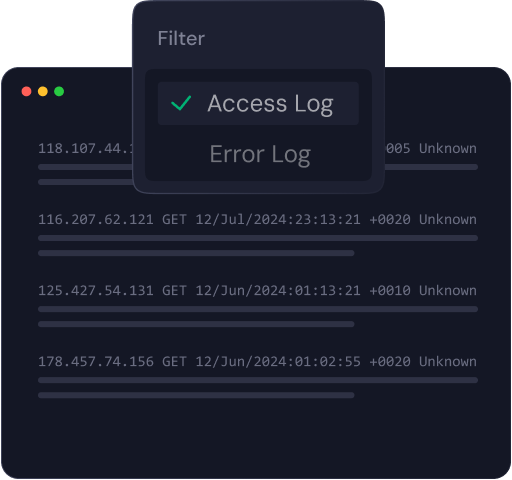
Advanced Log Viewer
Quickly access your debug.log, error.log and access.log files. With xCloud server and site logs, easily find everything you need right in the dashboard.
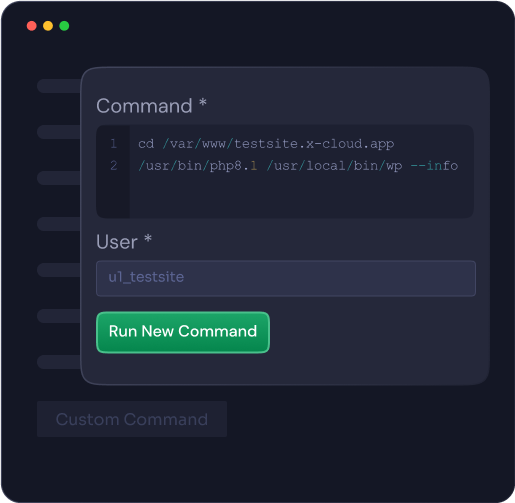
Instant Command Runner
Easily run commands and automate tasks in your site and server directly within the xCloud environment, with built-in command history.
Secure Connections with SFTP and SSH
To ensure the highest level of security for your data, we strictly enforce secure server connections exclusively through SFTP and SSH.

The alternative
Self-Hosting n8n By Hand vs Self-Hosting It On xCloud
A VPS and the install docs is a perfectly good way to run n8n. It is just a list of jobs, and this is that list. Everything on the right comes with the panel, on your server or ours.
| By hand on a bare VPS | With xCloud |
|---|---|
| Install Node, a process manager and a reverse proxy before n8n starts once. | Pick n8n from the catalogue. Node, PM2 and NGINX are configured during the install. |
| Work out why it returns 502 after a reboot and nothing restarted it. | The process is supervised and restarts itself, with its log in the Monitoring tab. |
| Issue certificates yourself, then notice the month renewal silently failed. | SSL is issued and renewed automatically on your own domain. |
| Edit environment variables over SSH and restart the service by hand. | Edit the n8n environment from the dashboard on a PRO plan and apply it there. |
| Remember to back up, and find out during an incident whether restore works. | Scheduled local and remote backups with one-click restore. |
| Stand up somewhere to test before you point a real domain at it. | Deploy on a free demo subdomain first, then attach your own domain. |
Your Workflows, Your Server, One Flat Price
Deploy n8n in a few clicks and let xCloud handle the proxy, the certificate, the backups and the box. No credit card required to start.

Hear what people are saying about us
See why agencies, developers, startups, and growing businesses choose xCloud to power their projects.
xCloud works really well, I am surprised by its performance being this the release version, I have tried many paid platforms such as runcloud, cloudpages or serveravatar, as well as free platforms such as CyberPanel, CloudPanel or Hestia Control Panel and direct competitors such as SpinupWP and FlyWP. Of all those that I have tried, the platform that works best for WordPress is SpinupWP and I believe that xCloud can reach and surpass that development, its roadmap is promising. Congratulations to the xCloud team, I hope they become the leading platform in the segment, it has all the potential to achieve it!
 Brian Geovanny
I've been with runcloud for the last 3 years. However, after trying xcloud for the last month, I'm switching over. They are on a roll with their setup.
 Kevin Pineda
I'm moving my servers to xCloud, a cloud control panel by M Asif Rahman and the WPDeveloper team. Their roadmap looks interesting and no, there are no team mates nor API limits with xCloud! #xCloud #wordpress #hosting
 Leo Koo
How Cloud Nine Web Elevated Client Experience While Streamlining Hosting Operations using xCloud
 Ed Ellingham
xCloud is like having an expert server team on call â without the big agency costs. It's given me back my time and given my clients peace of mind. Highly recommended for freelancers and small teams who want reliable performance and security.
 Dumitru Butucel
xCloud isn't just a solution. It's like one of that friend who got your back when you screw things up pretty bad.
 Waqar Ahmed
Trust me when I say, once people explore the potential of xCloud they gonna switch from other panels, just keep delivering the best tech, lots of love for the team ðð
 Rahul Singh
So far my experience has been smooth like silk. I didn't imagine that configuring and managing a VPS would be so easy. As of today, I have deployed 8 sites. The support is good, and they treat users with respect, even if they ask stupid questions (myself included). For the future, I hope for greater flexibility in scheduled backups and more comprehensive and consistent documentation. I'm sure that within a few months, xCloud will become the leader in its segment. This community is amazing, and the Staff here is super helpful.
 Massimo Villa
Came from cloudways then to runcloud then to xcloud. Looks like I'm staying here.
 Gerson El
I've recently taken all of my Vultr-hosted sites and gotten rid of cPanel for them to substitute it with xCloud. I have to say, I'm really impressed with xCloud so far! The interface is definitely the standout feature for me.
 Tony Lewis
I came from Cloudways and won't go back. Highly impressed with xCloud. Glad I gave them a chance.
 Jared McDowell
I like xCloud better than RunCloud, but one thing I'll point out is that some years ago RunCloud was hungry for business, the support was outstanding, and the community was active and helped each other. Maybe it was sold, there was a change in management, or they stopped being hungry, but the quality of the RunCloud offering declined and it hasn't been moving forward quickly. My point is that currently the xCloud team has the edge and it is theirs to keep or lose
 David McCan
How Kevin Heinrichs Cut Hosting Costs by 84% While Running WooCommerce & Node.js Sites Efficiently
 Kevin Heinrichs
I had 150 sites on cloudways and am in the process of moving them to xcloud. Much faster and better priced.
 Dan Spinoza
Dear xCloud Team, I have been using xCloud for some time now and am genuinely impressed with its capabilities and the flexibility it offers by allowing users to bring their own VPS for management. It's a fantastic service, and my experience so far has been very positive. Successful migrated 5 sites on a single server. Xcloud migration tool worked great. There were few hiccups with security plugin like MalCare but disabling the plugin prior to migration worked just fine.
 Rahil Maknojia
Came from runcloud. Tried xcloud and never came back.
 Karl Fanega
How Advanced Web Strategies Saved Over $2,000 & Recovered 56 Hours per Month Managing 70+ Client Websites
 Gary Moody
xCloud gave me what no other hosting platform could: the flexibility of a VPS with the convenience of managed WordPress. As a solo founder running an entire business on one server, that combination is an important unfair advantage.
 Jorge de los Reyes MartÃnez
I use Server Avatar and xCloud and I'll sooner use xCloud than Server Avatar personally.
 Jay Pagano
How Newman Web Solutions Ensured Perfect Uptime and Seamless Scaling For 120+ WordPress Sites with xCloud
 Lori Newman
I too have moved over to xCloud. It's pretty sweet. One click n8n and uptime Kuma apps
 John Aperture
I went from Cloudways to xCloud. No intention on switching in the foreseeable future.
 Blaine Moore
Frequently Asked Questions
Feel free to contact us with any questions or concerns you may have
Is n8n on xCloud running in Docker?
No. The one-click app installs n8n as a Node process supervised by PM2 behind an NGINX reverse proxy, which is why you choose a Node version rather than an image tag. If you would rather run n8n's official Docker image, xCloud deploys Docker applications from a Git repository or a Compose file as a separate route, with the same SSL, domains, backups and monitoring around it.
Do I get a dedicated n8n installation?
Yes. It is your own instance on your own server, not a tenant on a shared one. You have full access to the n8n administration panel with no feature held back, plus SSH to the machine underneath.
What size server does n8n need?
At least 4 GB of RAM and 2 CPU cores. NGINX is the recommended web server for n8n; OpenLiteSpeed works but is less reliable for this app. You can resize a managed server later from the dashboard if your workflows outgrow it.
Is there a free plan for n8n on xCloud?
n8n is available on every plan, including the free one. The Environment editor, which lets you change n8n's environment variables from the dashboard, requires a PRO plan.
Can I use my own domain name?
Yes. A demo deployment gets a temporary subdomain from xCloud, and a live one takes your own domain with SSL issued automatically once it resolves. You can add additional domains from the Domain tab at any time. Note that promoting a demo site to live is one-way, so the demo subdomain is not available afterwards.
How are updates handled?
xCloud keeps the server underneath current: operating system security updates are applied automatically on managed servers, and you choose the Node version from Node Configuration. n8n's own version stays under your control from inside the instance, so an update never lands mid-workflow without you.
What happens if n8n stops responding?
PM2 supervises the process and restarts it if it exits. If you are seeing a 503, the usual cause is a Node version below 20; the PM2 log in the Monitoring tab shows crashes and restarts, and there is a documented fix.
Can I run n8n on a server I already own?
Yes. Connect a VPS from DigitalOcean, Vultr, Linode, AWS, Hetzner or your own hardware and deploy n8n on it with the same one-click flow. The panel features are identical; what changes is who owns the machine and who patches the operating system.