A minimal yet powerful Neovim configuration that just works. Made for the uninitiated by the uninitiated.
This setup includes modern plugins for productivity, coding assistance, and a clean UI.
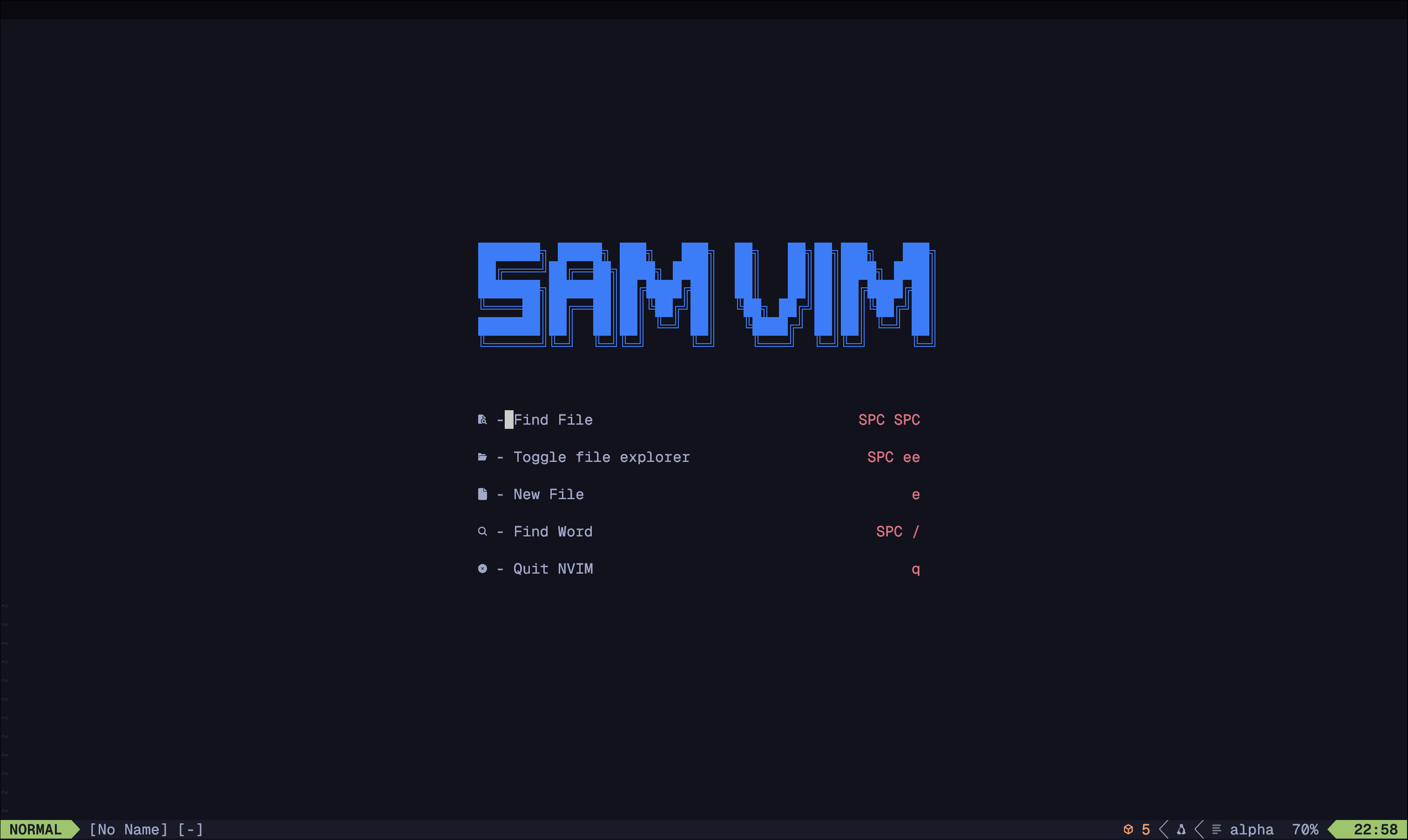
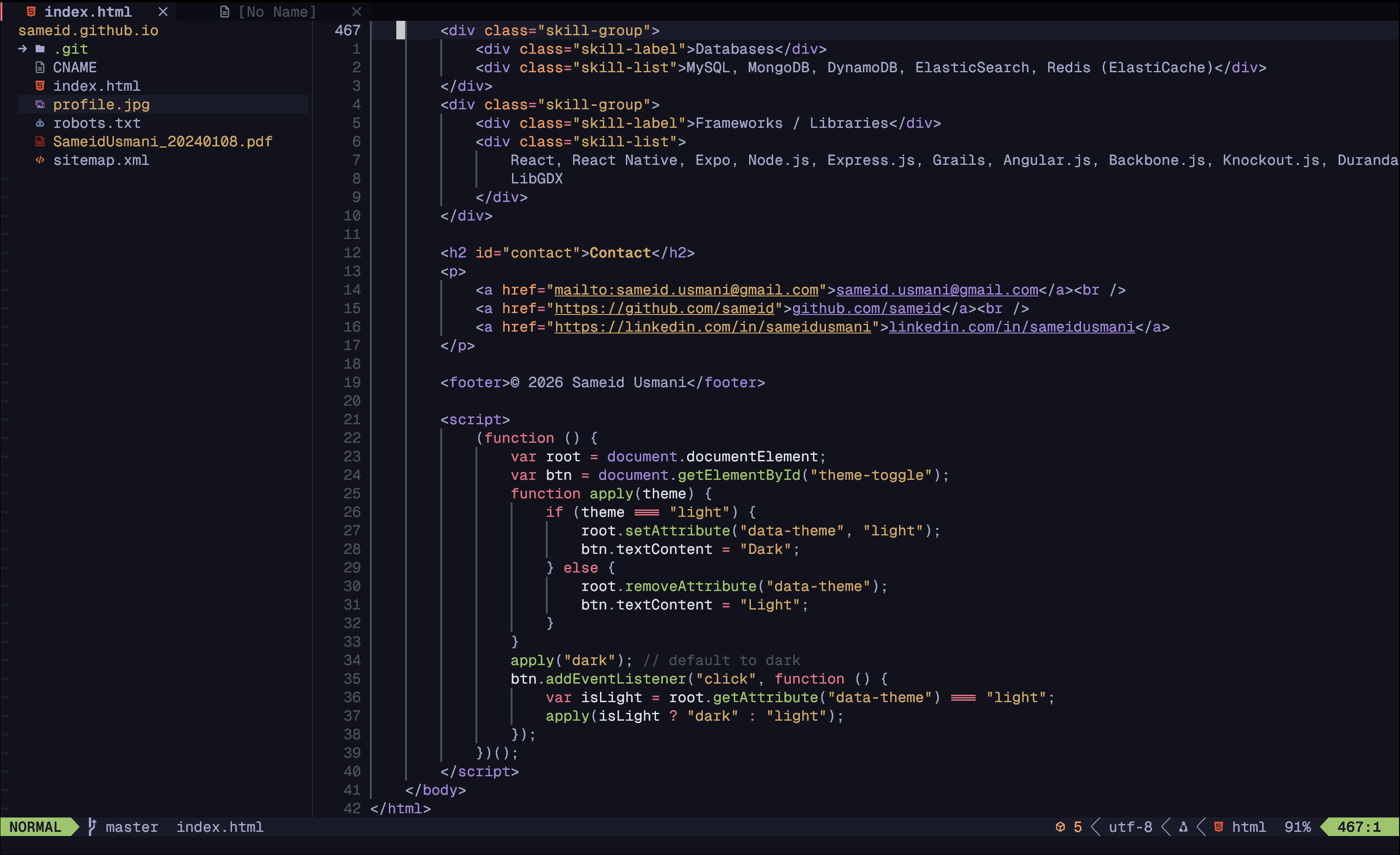
- lazy.nvim – uses lazy for plugins
- alpha-nvim – startup screen
- bufferline.nvim – tab-like buffer management
- lualine.nvim – statusline
- which-key.nvim – keybinding hints
- nvim-autopairs – auto-close brackets/quotes
- nvim-comment – easy commenting
- conform.nvim – code formatter
- copilot.lua – AI-powered coding assistant
- gitsigns.nvim – git diff signs in the gutter
- indent-blankline.nvim – indentation guides
- telescope.nvim – fuzzy finding and search
- nvim-tree.lua – file explorer
- nvim-cmp – autocompletion
- todo-comments.nvim – highlight and track TODOs
- nvim-treesitter – syntax highlighting and parsing
- nvim-ts-autotag – Auto generate closing tags
- mason.nvim – install LSPs, linters, and formatters
- toggleterm.nvim – easy way to toggle the terminal
- neoscroll.nvim – just some nice scrolling animation
- flash.nvim - quick code navigation
I'm currently trying out other options, but my usual default is tokyodark
- tokyodark.nvim – clean dark colorscheme
# Windows Install
choco install neovim

# Or MacOS Install
brew install neovim
More information about how to install neovim can be found here
# Backup your existing config
mv ~/.config/nvim ~/.config/nvim.bak

# Clone this repo
git clone https://github.com/sameid/sam-nvim.git ~/.config/nvim

# Launch nvim
nvim
Plugins will install automatically on first run.
- Neovim 0.9+
- git
- A Nerd Font (for icons)
- Node.js (for Copilot)
- Improving which-key richness and overall key bindings to have more intuitive defaults
- May switch out telescope with fzf-lua
Feel free to fork and tweak this config to your liking. Pull requests are welcome!
MIT License