Square Crop Image
Apply Square crop image transformations at scale without sacrificing quality. Crop multiple images into smooth elliptical shapes with consistent results. Perfect for avatars, thumbnails, and design systems.
Apply Square crop image transformations at scale without sacrificing quality. Crop multiple images into smooth elliptical shapes with consistent results. Perfect for avatars, thumbnails, and design systems.
Or drag your image here
Sign up to use our free API and automatically ellipse crop image files at scale.
Quickly square crop image files online in just a few clicks. No downloads or plugins required. Upload your images and instantly get clean, smoothly cropped square results with sharp edges and preserved quality.
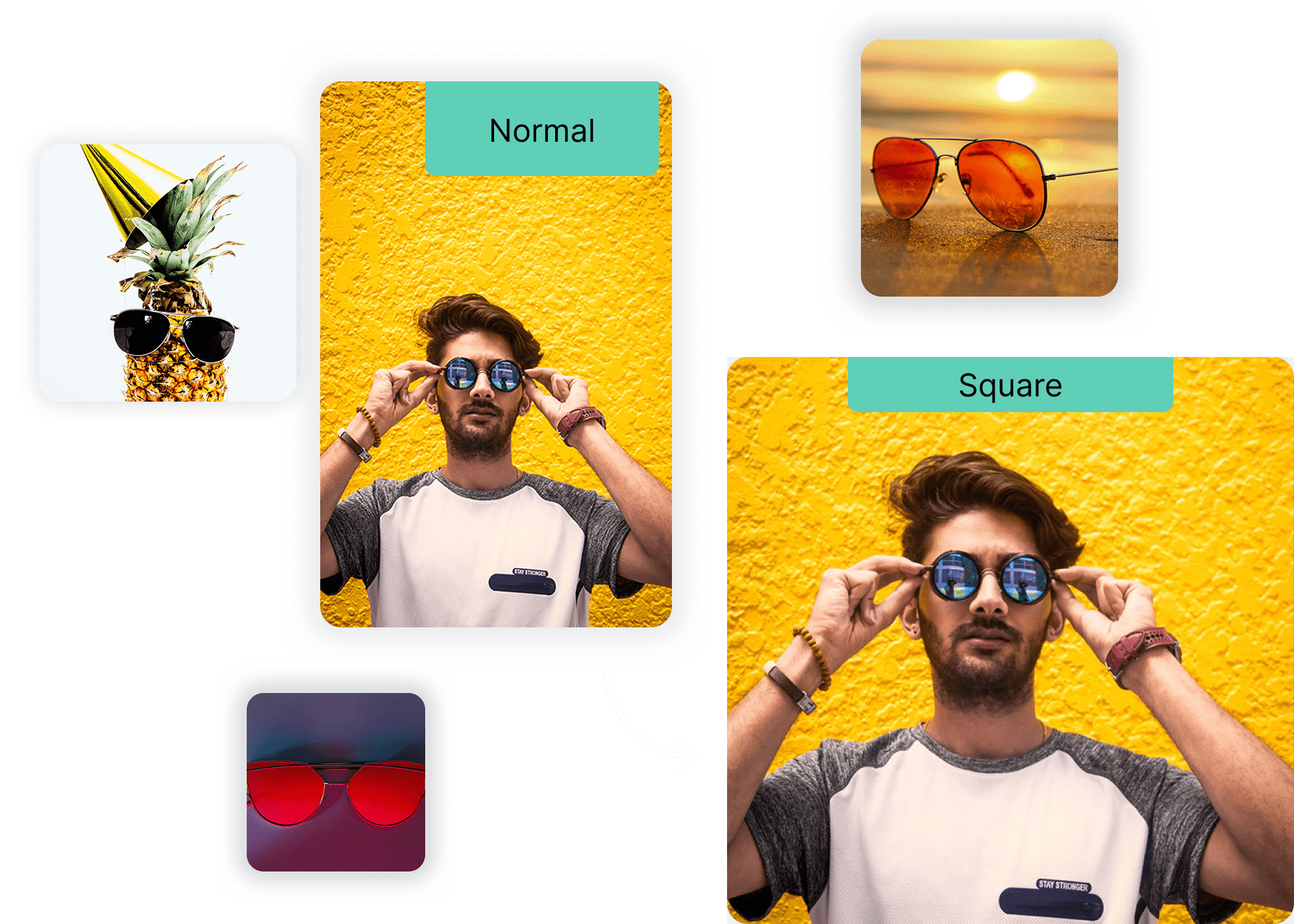
Square crop images online using our bulk tools, or use the API to apply consistent square cropping across your applications and projects.

Go beyond simple shape cropping. With Cloudinary’s API-first, AI-powered image tools, you can square crop image content, apply additional transformations, and manage assets programmatically—unlocking more flexibility and control throughout your image pipeline.

From 3D animations and interactive product displays to real-time filtering, Cloudinary’s API offers powerful image enhancement capabilities. Developers can refresh older images and make them look stunning again.

After you square crop image assets, Cloudinary ensures they’re delivered in the best quality and format for every device, browser, and connection. Automatic optimization guarantees fast delivery and crisp visuals for all elliptical images.

Quickly square crop image files in bulk within seconds, or use our free API to automate elliptical cropping across your entire image workflow.
Set up preset configurations to save time and streamline your process. Files are automatically resized, transformed, and ready for delivery immediately after upload.
Expand your image workflow with support for next-gen formats like WebP, JXL, and AVIF. These advanced options deliver the perfect balance of quality and efficiency for all your visual assets.
Quickly square crop image files in bulk within seconds, or use our free API to automate square cropping across your entire image workflow.
Drag and drop your images into the browser, or simply upload them in seconds.
Enhance your workflow when you circle crop image assets with support for modern formats like WebP, JXL, and AVIF delivering an ideal balance of visual quality, performance, and efficiency for circular images.
Once the transformation is complete, download your optimized images, each efficiently reduced in size while maintaining quality.
We’re showing a resized version of the original asset to avoid slow loading speeds. View the original.
With Cloudinary, you can square crop image files directly in your browser or through the API while maintaining clarity and smooth edges. Upload your images and let Cloudinary apply intelligent cropping and automatic optimization for high-quality results at scale.
Yes. Cloudinary’s API allows you to automate square crop image transformations at scale. Define crop parameters, apply consistent shapes, and trigger transformations on upload—ideal for apps handling profile images, galleries, or large asset libraries.
Square cropping can impact composition if applied poorly, but Cloudinary minimizes quality loss when you ellipse crop image files. Smart cropping preserves important visual areas and delivers clean, professional-looking results even at scale.
Absolutely. Cloudinary supports batch square crop image processing via the web interface or API automation—perfect for teams managing avatars, UI assets, or large image collections that require consistent elliptical formatting.
Cloudinary supports all major and next-gen image formats when you square crop image assets, including JPG, PNG, WebP, AVIF, HEIC, and JPEG XL. The platform automatically selects the most efficient format for fast delivery and reliable performance across devices.


