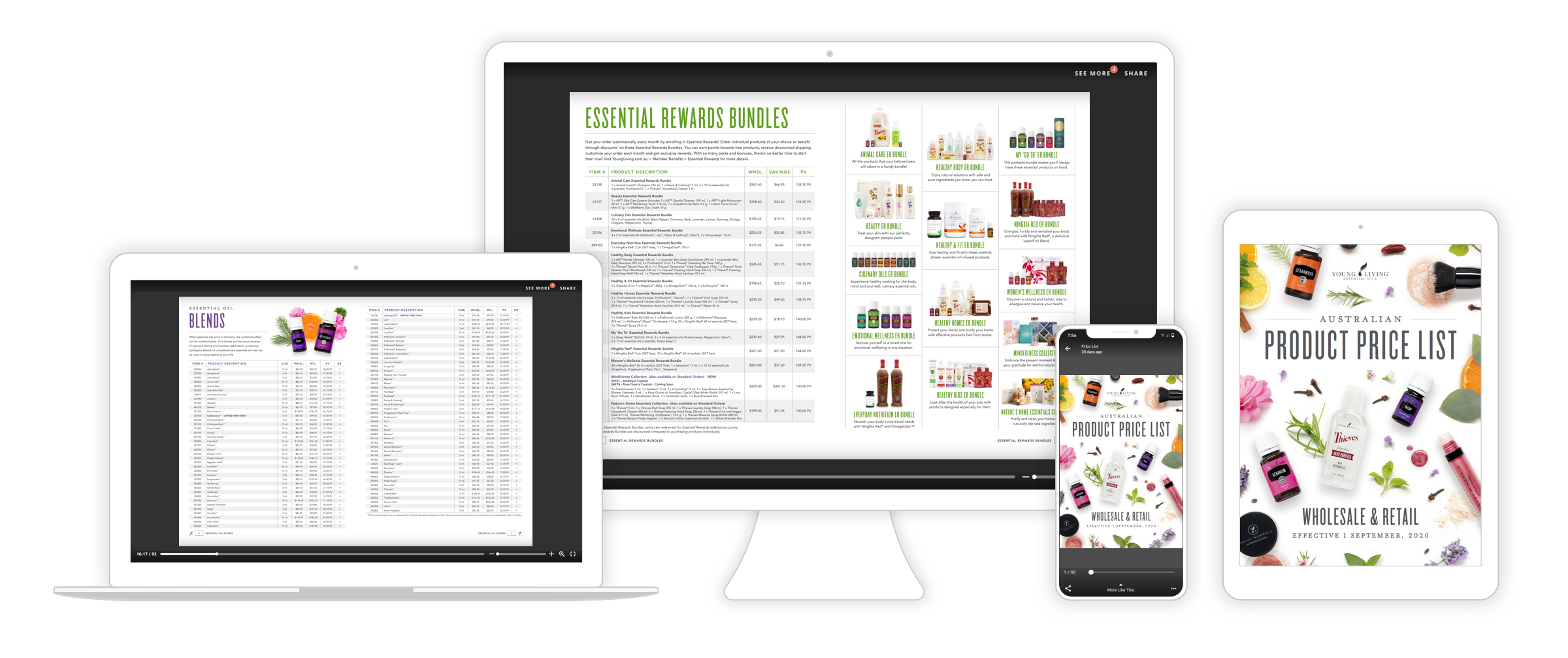
Online Presentation
Transform your presentation deck into an interactive and engaging experience with our free presentation maker. With our tool, you can add interactive elements, stunning visuals, and engaging animations to captivate your audience like never before. Whether you need to create a pitch deck, a sales presentation, or a training module, our presentation maker provides you with the flexibility and creativity to make your content stand out. Ditch dull and uninspiring presentations and embrace captivating and informative slides that leave a lasting impact on your audience.

What is a presentation deck?
A presentation deck is a vital tool to help explain a concept to an audience through a series of slides. The slides will typically include problems and solutions, strategies, information about the presenter, and the presenter’s product or service. Presentation decks are also a staple in academia as an effective way to explain a theory or thesis and present findings. Our online presentation maker helps you get your point across with creativity and flair. Our free presentation maker lets you create presentation decks that are easily updated and edited in real time, so it blends seamlessly into your existing workflow.Creative assets are the main ingredient for any presentation deck. Issuu allows you to easily add stunning images in static or slideshow form, high definition video, and links. Make sure to incorporate the visual assets you need to drive your point home. Graphs and flowcharts are also excellent additions to any well-rounded digital presentation and we make it easy to do just that.

How to Make a Slide Deck:
Use our free presentation maker to upload your presentation as a PDF document (Or you can upload .doc, .docx, or .ppt file types or import your files directly from Dropbox or Google Drive). Now bring your presentation to life and “WOW” your audience.
With the Flipbook feature you can turn your slideshow presentation into a flippable book, which makes for a great reading experience.
And now comes the fun part: make your digital presentation interactive! If your digital presentation is given to a potential client, the more interactive it is, the more compelled they will be to review it over and over again. So, add links, include videos, and don’t miss the opportunity to use our Fullscreen feature to immerse your audience in your newly produced presentation.
Thanks to our Embed feature, you can embed your new digital presentation directly on your website or landing page.
Fullscreen Sharing
Get your readers hooked with this distraction-free feature.Our Fullscreen sharing feature on our online presentation maker allows you to turn your online presentation into a fullscreen, easily shareable flippable web page. Just what you need to get your readers immersed! Your charts, tables, and designs will come to life, distraction free. You can customize the page, include your brand or logo, and create a mood for your presentation. Your readers will thank you for giving them the best possible reading-experience.

Embed
Put your presentation anywhere.Your newly created presentation is now an integral part of your content-universe, so let’s connect it to the rest of your publications. When you create a slideshow online, our Embed feature helps you put it right on your site. Simply upload your presentation, copy and paste the embed code, and add it to your website. You can customize the layout to match the style of your site. Our Embed feature is compatible with almost any website builder.

Add Links
Connect your presentation to relevant links. Adding links to your new digital presentation makes it a lot easier for your readers to navigate, interact, and discover additional content. Our online presentation maker is the perfect tool to create a journey for your audience and connect with you by linking to your previously published content, such as blog posts or articles. If the PDF you uploaded already includes links, we will automatically convert them through our online presentation maker.

Explore other solutions
More from Marketing